
AI can generate a complete video that needs no manual changes for a particular brief, but that outcome is not guaranteed. Separate “no human editing” from “no human review.” Someone should still check the actual file for accuracy, rights, readability and suitability before publishing it, especially when it represents a product, organization or factual explanation.
A short invitation built from an approved event description may be usable on the first attempt. Another version might mispronounce a speaker's name or display a date incorrectly. Both outputs can look polished. The useful question is whether the generated result passes a defined acceptance check, not whether the workflow contains a traditional timeline editor.
Step by step
Choose a bounded, forgiving task
Start with a short explanation or announcement whose facts and structure are settled. Avoid making the first unattended experiment a complex product demonstration or a sensitive factual topic. Identify the details that would make a wrong output materially misleading.
Supply approved wording and constraints
Use an exact script when the language must remain fixed. Include spelling, pronunciation guidance and a simple visual sequence where supported. State what the tool must not invent, such as a price, testimonial or event venue.
Define first-pass acceptance
List the conditions under which the output can be used without changes. Include correct facts, synchronized visuals, readable text, appropriate narration and a usable export. Make the criteria specific enough that another reviewer could reach the same decision.
Generate a complete version
Use the supported production workflow and allow it to finish. Record the settings that produced the result. A preview or partial render should not be treated as the final file merely because its opening seconds look correct.
Review before deciding editing is unnecessary
Watch the complete video and inspect the critical labels and transitions. Compare it with the approved wording and the acceptance list. If it passes, record that no changes were needed for this version; do not generalize that result to every future brief.
Use a correction path when needed
Make a targeted edit or revise the brief and generate another version. Keep the failed condition in the review log. The ability to recover from an error is part of a dependable workflow even when many individual outputs need little intervention.
The workflow inside Golpo
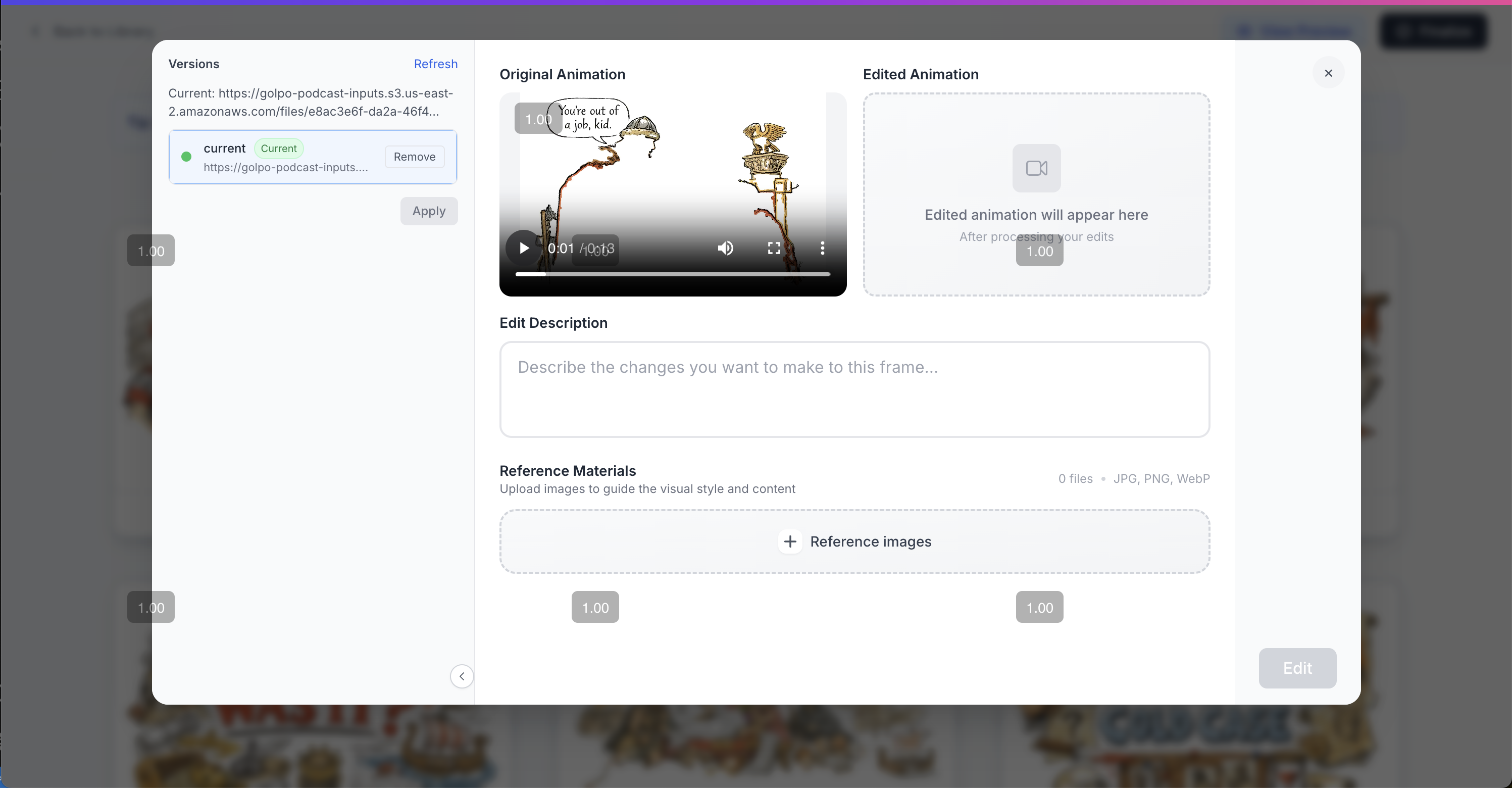
Use these real interface views to find the creation and review controls. Apply the decisions from this guide to your own brief, then review the resulting script and visuals before publishing.

Measure first-pass acceptance honestly
Divide the number of outputs accepted without changes by the total reviewed outputs for a clearly defined type of brief. Track rejected generations too. A collection containing only successful examples cannot establish a reliable first-pass rate, and a rate from simple announcements may not transfer to technical explainers.
Review is a separate responsibility
Watching, checking and approving a generated file does not necessarily involve editing its frames. This distinction lets a team automate production while retaining judgment over what it publishes. It also prevents a misleading claim that a polished render has verified its own facts or commercial suitability.
An event invitation acceptance test
The reviewer checks the exact date, venue and speaker spelling against the approved event record. Any mismatch sends the video back for correction.
Create a short illustrated invitation using only an approved event record and exact narration supplied by the organizer. Preserve the event title, date, time, venue and speaker names. Use simple visuals that do not imply an unconfirmed location or guest. Do not invent a price, sponsor, capacity claim or registration deadline. Produce a complete version for review. Before publication, the organizer will compare every critical detail with the event record and inspect the full export; any mismatch must be corrected rather than hidden by decorative visuals.
Before you publish
- Bounded brief
- Approved language
- Acceptance criteria
- Complete-file review
- Correction path available
Now, make it yours.
Start with a prompt, bring your script, or turn document text into a video.
You’ll review the setup in Golpo.
Sign-in and plan limits apply.
Your complete text is ready. It is too long to send reliably in a link. Copy it, open Golpo, and paste it into the prompt or script field.
Open GolpoCommon questions
Can I publish without watching the result?
That removes the check that establishes whether the video is suitable. For a public deliverable, inspect the actual output before release.
Does one successful output prove the tool needs no editing?
It proves only that the particular output passed your checks. Keep measuring across representative briefs and revisions.
Sources & useful reading
Published November 24, 2026. Product features and platform policies can change; linked official documentation is the source for current availability. Examples are illustrative production briefs.