
Dub a video by adapting its approved script, producing reviewed narration and synchronizing the new language with the original visual meaning.
Dubbing is a versioning project. The original pictures, on-screen labels, music and spoken explanation must still agree after the language changes. A direct translation can preserve the words while losing the timing or the intended meaning. Start with clean source materials and a reviewer who understands the target audience.
Step by step
Collect the production masters
Gather the final script, captions, scene list and a music-and-effects track without speech when available. Confirm permission to create translated versions. If the only file contains mixed narration and music, assess whether separation quality is adequate before promising a clean dub.
Adapt the script for listening
Translate meaning, examples and tone. Preserve qualifications and factual claims. Mark interface labels or names that should remain unchanged, and prepare a glossary so the narrator and caption editor use the same terminology.
Cast and audition the language
Select a suitable voice with appropriate usage rights. Test a passage containing names, numbers and difficult terminology. A fluent reviewer should judge naturalness and intelligibility; a creator who does not speak the language cannot reliably approve it from sound alone.
Align meaning before duration
Match the translated explanation to the correct visual events. Shorten awkward wording or extend a scene when needed. Do not compress a careful explanation into the original duration merely because the first language was shorter.
Publish a complete localized version
Update subtitles, title cards, description and destination links where appropriate. Verify the publishing platform’s current audio-track or separate-upload options. Keep the original and localized versions linked in your production records so later factual updates reach both.
The workflow inside Golpo
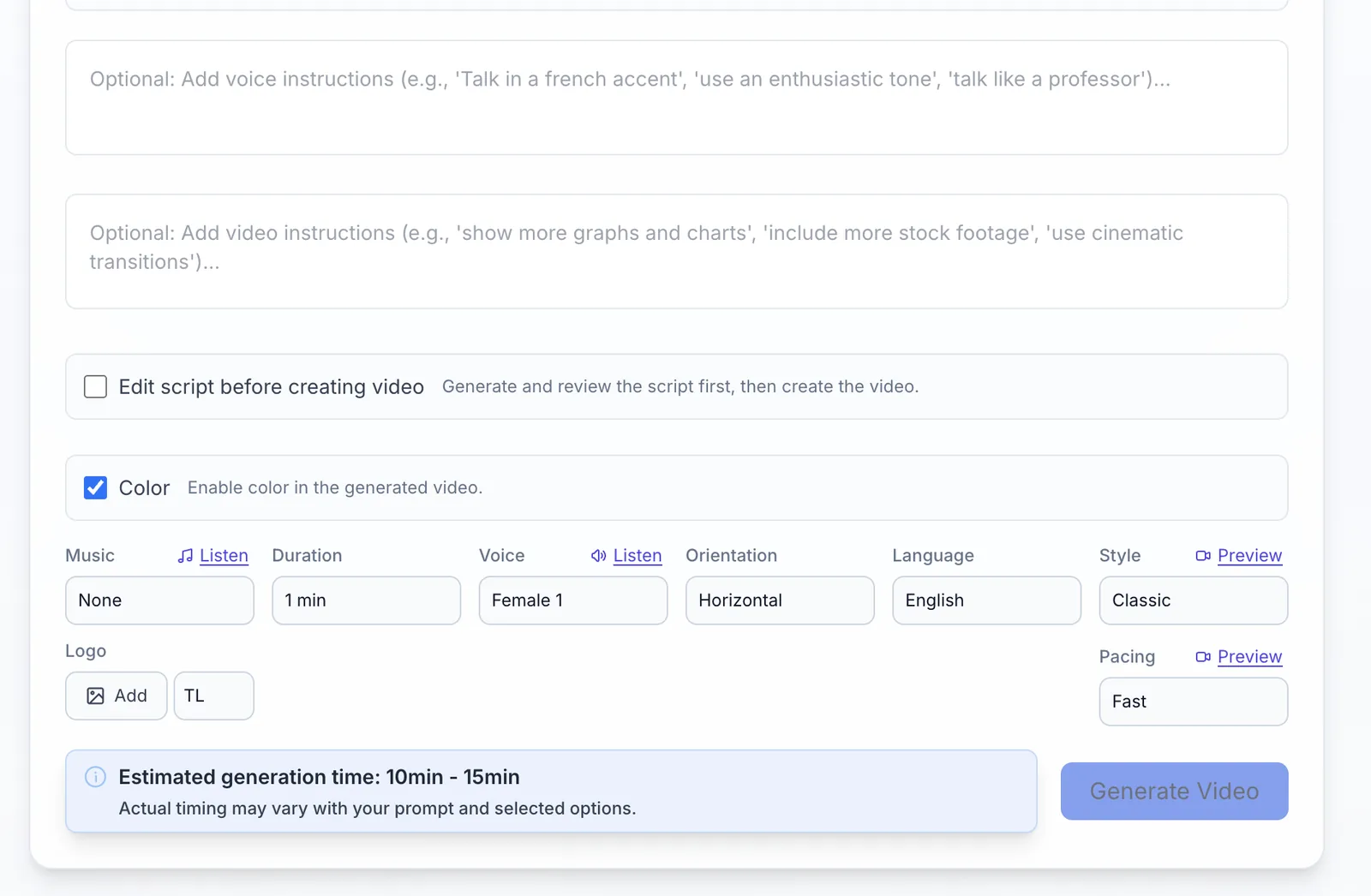
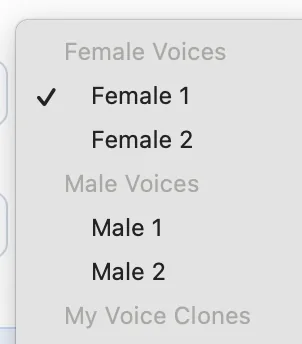
Use these real interface views to find the creation and review controls. Apply the decisions from this guide to your own brief, then review the resulting script and visuals before publishing.
Choose between dubbing and rebuilding
A screen tutorial with fixed interface actions may need careful audio retiming. An illustrated explainer may be easier to recreate from the approved translated script. Golpo can be part of a localized illustrated workflow, but verify the specific language and input controls available in your account.
Review the whole journey
A translated call to action that leads to an untranslated or unavailable offer creates confusion. Check the landing page, support route and product availability for the audience. Language quality and commercial accuracy belong in the same release review.
Dubbing a software onboarding lesson
A team adapts an English lesson into Spanish and Hindi. It keeps product names unchanged, localizes the explanation and reviews each language separately. One Spanish passage needs a longer pause over a settings screen, while a Hindi label needs a clearer translation. The team releases two approved versions rather than forcing both into identical timing.
Prepare a localization brief for this approved video script: [paste script]. Target language and audience: [specify]. Preserve product facts and uncertainty. Identify terms that must stay unchanged, examples needing adaptation and scenes likely to require retiming. Produce a translator glossary and a final-review checklist; do not claim the translation is publication-ready without a fluent review.
Before you publish
- Collect clean source tracks
- Confirm translation rights
- Approve a language glossary
- Retain scene meaning
- Review the complete localized journey
Now, make it yours.
Start with a prompt, bring your script, or turn document text into a video.
You’ll review the setup in Golpo.
Sign-in and plan limits apply.
Your complete text is ready. It is too long to send reliably in a link. Copy it, open Golpo, and paste it into the prompt or script field.
Open GolpoCommon questions
Can I dub without the original project files?
Sometimes, but mixed audio and fixed timing can make quality control harder. Inspect the available materials before committing to a workflow.
Is automatic translation enough?
Treat it as a draft. A fluent reviewer should check meaning, tone, terminology and the final synchronized video.
Sources & useful reading
Published November 24, 2026. Product features and platform policies can change; linked official documentation is the source for current availability. Examples are illustrative production briefs.