
Use the movement of words to express rhythm, emphasis, and meaning. Start with an approved spoken or written passage, define a clear type hierarchy, and preserve readability through every transition.
Kinetic typography makes text the main performer. A word can accelerate, hesitate, expand, or rearrange to support the message. The technique becomes distracting when motion overwhelms reading. Choose a passage with a clear rhythm and decide which words deserve emphasis before designing the animation.
Step by step
Select and edit the passage
Use original text or material you have the right to use. Read it aloud and identify the important turns in meaning. Remove unnecessary words before animation. A concise passage gives each phrase room to appear, be understood, and transition without crowding the screen.
Mark emphasis and timing
Divide the passage into readable phrases and identify the words that carry the argument or emotion. Use a rough audio track or timing plan. Not every word needs the same treatment. A pause or a still phrase can make the next movement more meaningful.
Build a restrained type system
Choose readable fonts, a limited palette, and consistent size relationships. Define which style indicates the main statement, a supporting phrase, or a change in tone. Check contrast and spacing. Avoid using many fonts as a substitute for a clear hierarchy.
Animate meaning rather than decoration
Let movement reinforce the word or sentence: a phrase about delay can pause, while a contrast can separate into two sides. Keep the connection understandable. Do not make text spin or travel so far that the viewer loses the reading order.
Review at normal speed
Watch without stopping and note any phrase that disappears before it can be read. Check punctuation, spelling, and synchronization with narration. Inspect the final export on a phone. If a sequence is too dense, simplify the animation or shorten the text rather than merely reducing the font.
The workflow inside Golpo
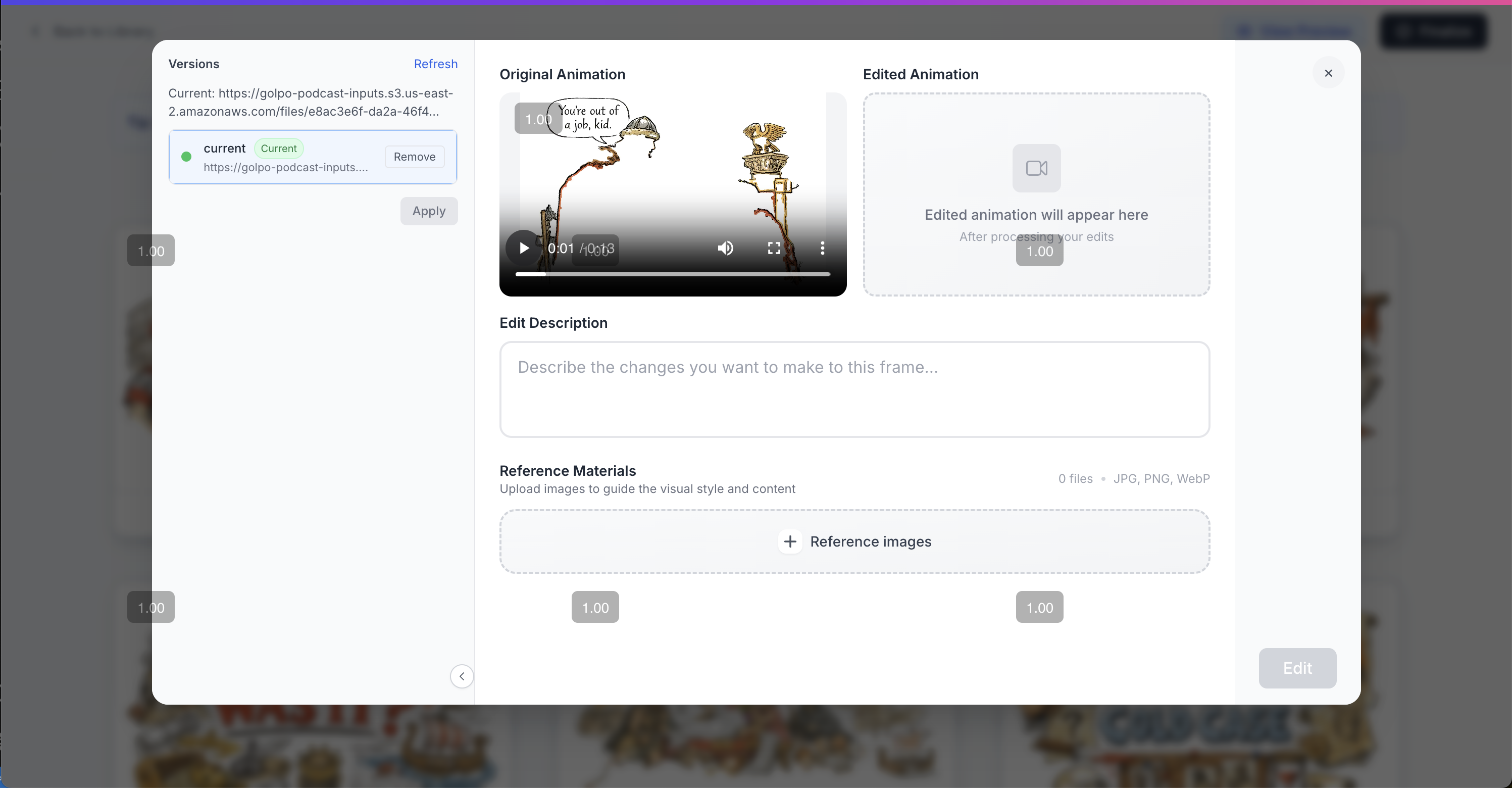
Use these real interface views to find the creation and review controls. Apply the decisions from this guide to your own brief, then review the resulting script and visuals before publishing.

A useful motion vocabulary
Use reveal, shift, scale, grouping, and pause consistently. Keep transformations smooth enough to preserve word recognition. When a new phrase arrives, make its relationship to the previous one clear. A deliberate transition can carry the argument from problem to solution without an additional illustration.
Respect the listener-reader balance
If narration says one sentence while the screen presents a different dense paragraph, the audience must split attention. Keep the two tracks aligned or deliberately complementary. For accessibility, consider whether the essential wording remains available through captions or another appropriate format.
Worked example: turn a vague goal into an action
The phrase “finish the project” breaks into a smaller, concrete instruction: “write the first outline.” The movement supports the shift from an overwhelming idea to an actionable task.
Design a 30-second kinetic-typography video using original text about turning a vague goal into a concrete next action. Provide phrase groups, emphasis words, timing, type hierarchy, and motion meanings. Use a small palette and no more than two type styles. Prioritize readability and include a normal-speed review checklist.
Before you publish
- Text approved
- Emphasis mapped
- Type hierarchy clear
- Motion supports meaning
- Reading speed tested
Now, make it yours.
Start with a prompt, bring your script, or turn document text into a video.
You’ll review the setup in Golpo.
Sign-in and plan limits apply.
Your complete text is ready. It is too long to send reliably in a link. Copy it, open Golpo, and paste it into the prompt or script field.
Open GolpoCommon questions
Should every word animate separately?
Only when that serves the rhythm and remains readable. Phrase-level animation is often clearer and easier to revise.
Can I use a famous speech?
Check rights and attribution for the specific material and recording. Original writing gives you more control over both message and production.
Sources & useful reading
Published November 24, 2026. Product features and platform policies can change; linked official documentation is the source for current availability. Examples are illustrative production briefs.