
Treat each row as a validated production brief, not just a sentence to paste into a generator. Add the compatible body, offer, destination and review status, then produce only approved rows. Keep output IDs and errors connected to the spreadsheet so the batch can be corrected and audited.
A column of fifty hooks leaves too much for an automation to invent. Some openings need different proof, others cannot connect to the shared body, and a few may contain unsupported claims. The spreadsheet should expose those differences before it triggers production.
Step by step
Design the row schema
Include row ID, hook text, first-frame idea, body ID, CTA ID, audience, orientation, language, offer version and destination. Add approval and output-status fields. Keep secrets and sensitive personal information out of the sheet.
Normalize and validate the content
Trim accidental whitespace, check missing fields and enforce allowed values. Flag duplicate hooks and overly long labels. Preserve meaningful punctuation and language characters rather than damaging them through crude text cleanup.
Check semantic compatibility
Read the complete script assembled from each row. Confirm that the body fulfills the hook and the CTA matches the destination. Reject unsupported claims and contradictory offers before any paid generation occurs.
Pilot a representative subset
Produce a few rows covering the longest text, different layouts and unusual transitions. Use Golpo's manual workflow or an authorized API integration. Inspect the outputs and refine the schema or template before processing the remaining rows.
Write results back reliably
Record the source version, job ID, output location, error and review status. Use a stable row identifier rather than relying on row number, which can change after sorting. Avoid resubmitting completed rows when rerunning the process.
Review and approve the finished ads
Check every final combination for text, audio, claims and destination. Separate generated from approved status. Keep failed rows actionable with a reason and next step rather than silently dropping them from the batch.
The workflow inside Golpo
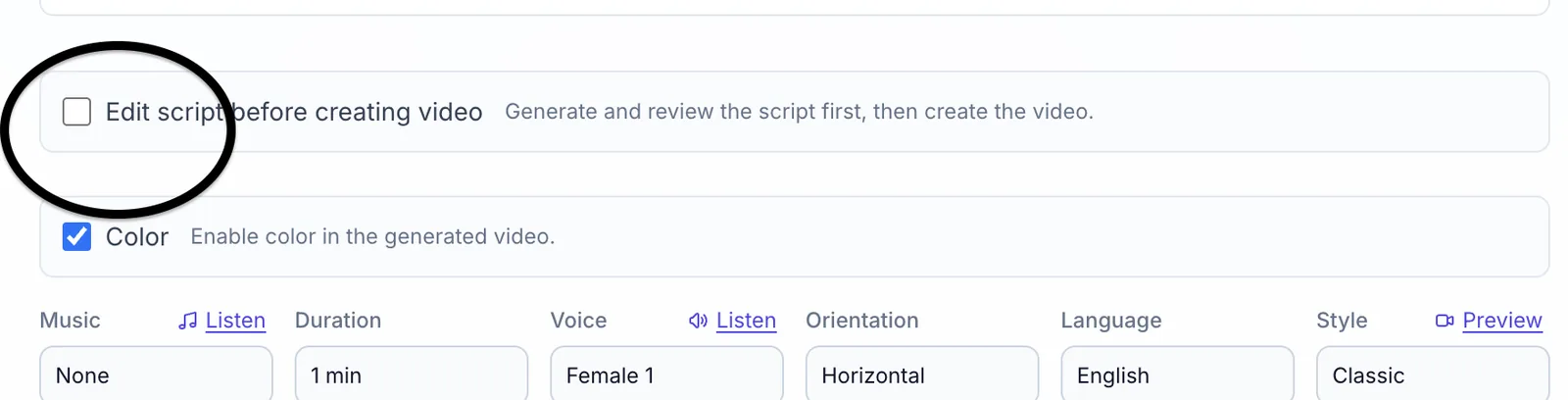
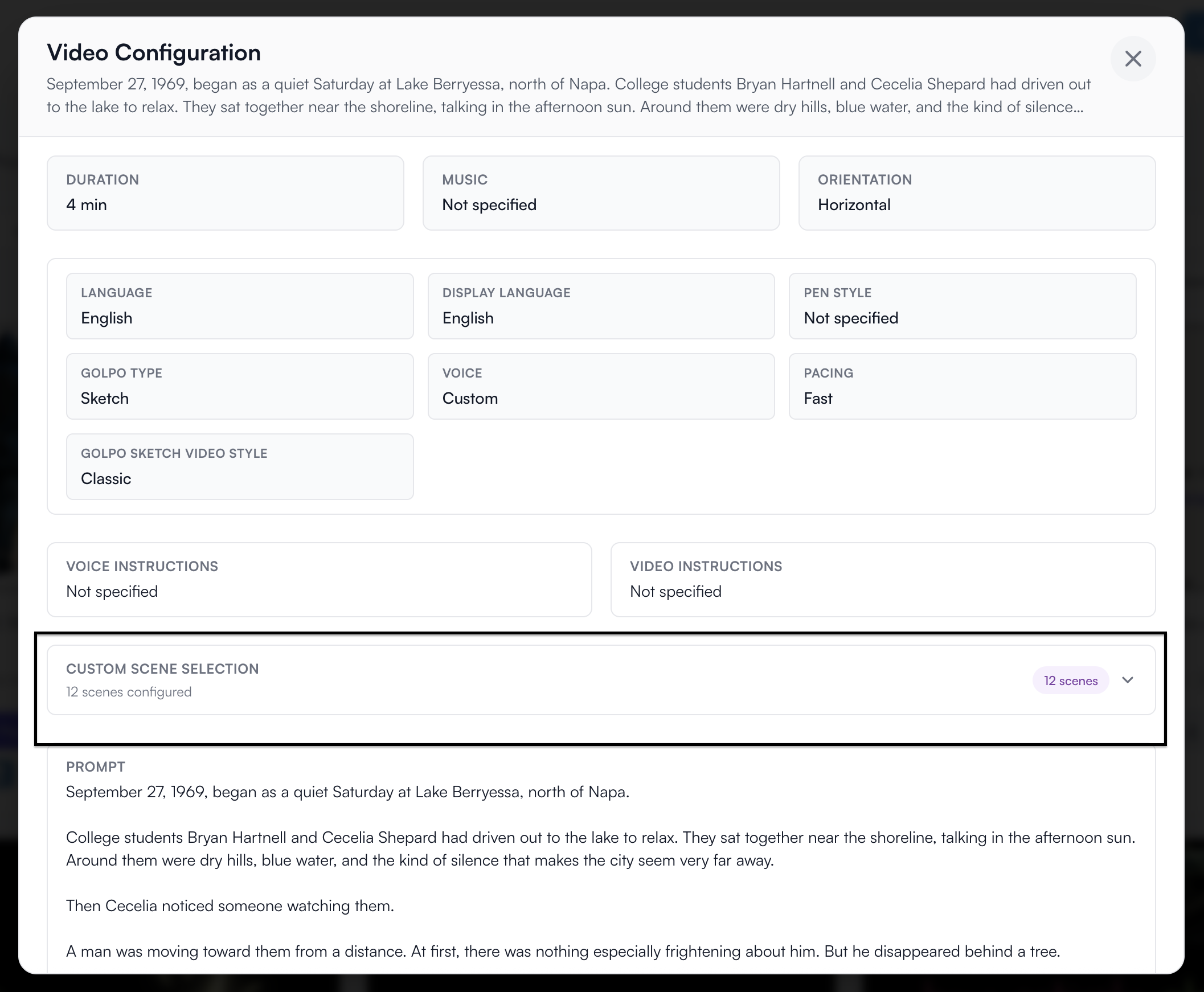
Use these real interface views to find the creation and review controls. Apply the decisions from this guide to your own brief, then review the resulting script and visuals before publishing.
Use spreadsheet controls to prevent mistakes
Data validation lists, required fields and protected approved columns can reduce accidental changes. They do not replace content review. A syntactically valid row can still make a misleading promise or connect to the wrong product page.
Version the input snapshot
Save the exact set of rows used for a batch. If someone changes a hook while generation is running, the output should still point to the original approved input. This makes later correction and performance analysis much easier.
A hook sheet with production context
Each row combines one opening with an approved body and CTA. The system records generated and approved as separate states.
Create a spreadsheet schema for producing video ads from approved hooks. Include immutable row ID, hook, first-frame visual, body ID, CTA ID, audience, language, orientation, offer version, destination, approval, job ID, output URL and error status. Add validation rules and a compatibility review before generation. Use a small pilot subset and save an input snapshot. Do not put API credentials in the sheet or assume every hook can use every body. Require complete-output review before a row becomes approved for publication.
Before you publish
- Schema complete
- Rows validated
- Compatibility reviewed
- Input snapshot saved
- Outputs linked to stable IDs
Now, make it yours.
Start with a prompt, bring your script, or turn document text into a video.
You’ll review the setup in Golpo.
Sign-in and plan limits apply.
Your complete text is ready. It is too long to send reliably in a link. Copy it, open Golpo, and paste it into the prompt or script field.
Open GolpoCommon questions
Can a spreadsheet trigger production automatically?
Yes through an authorized integration, but use explicit approval, cost controls and deduplication. A new row should not necessarily mean permission to spend.
Why not use row numbers as IDs?
Sorting or inserting rows changes them. A stable identifier preserves the connection to the generated asset.
Sources & useful reading
Published November 24, 2026. Product features and platform policies can change; linked official documentation is the source for current availability. Examples are illustrative production briefs.