
Lock the approved audio, map its semantic cues and create visual treatments that remain faithful to the same spoken claims. Keep the runtime and caption alignment consistent, then inspect every complete variant. Reusing narration can isolate visual differences, but only when the visuals do not introduce new promises or change the meaning.
One voiceover might support a clean diagram, an accurate product demonstration and a more illustrative scene. The comparison becomes misleading if one visual version shows capabilities or outcomes absent from the narration and unsupported by the product.
Step by step
Approve and preserve the master audio
Check wording, pronunciation, rights and sound quality. Store the exact file and a transcript with a stable version ID. Do not regenerate the voice separately for each variant if the goal is to keep audio constant.
Mark meaningful timing cues
Identify where each problem, mechanism and CTA begins. Add notes for visual reveals and necessary holds. This timing map becomes the common structure for all visual treatments.
Choose distinct visual hypotheses
Define what changes: diagram versus product view, illustration density or demonstration framing. Keep product facts and offer terms stable. Avoid treating unrelated visual montages as controlled alternatives.
Build each treatment against the same audio
Use Golpo's supported own-narration workflow where available and appropriate, or an editor that can preserve the master track. Confirm account requirements. Do not imply that every input mode or plan handles audio identically.
Review semantic and timing fidelity
Check that each visual appears when the narration refers to it and that no scene overstates the claim. Update captions from the master transcript and verify actual synchronization. A reused audio file does not automatically guarantee a synchronized export.
Compare and maintain the variants
Label visual treatment IDs and retain the master-audio reference. Evaluate qualified response with delivery context. If the offer or spoken claim changes, identify every dependent visual version before updating the library.
The workflow inside Golpo
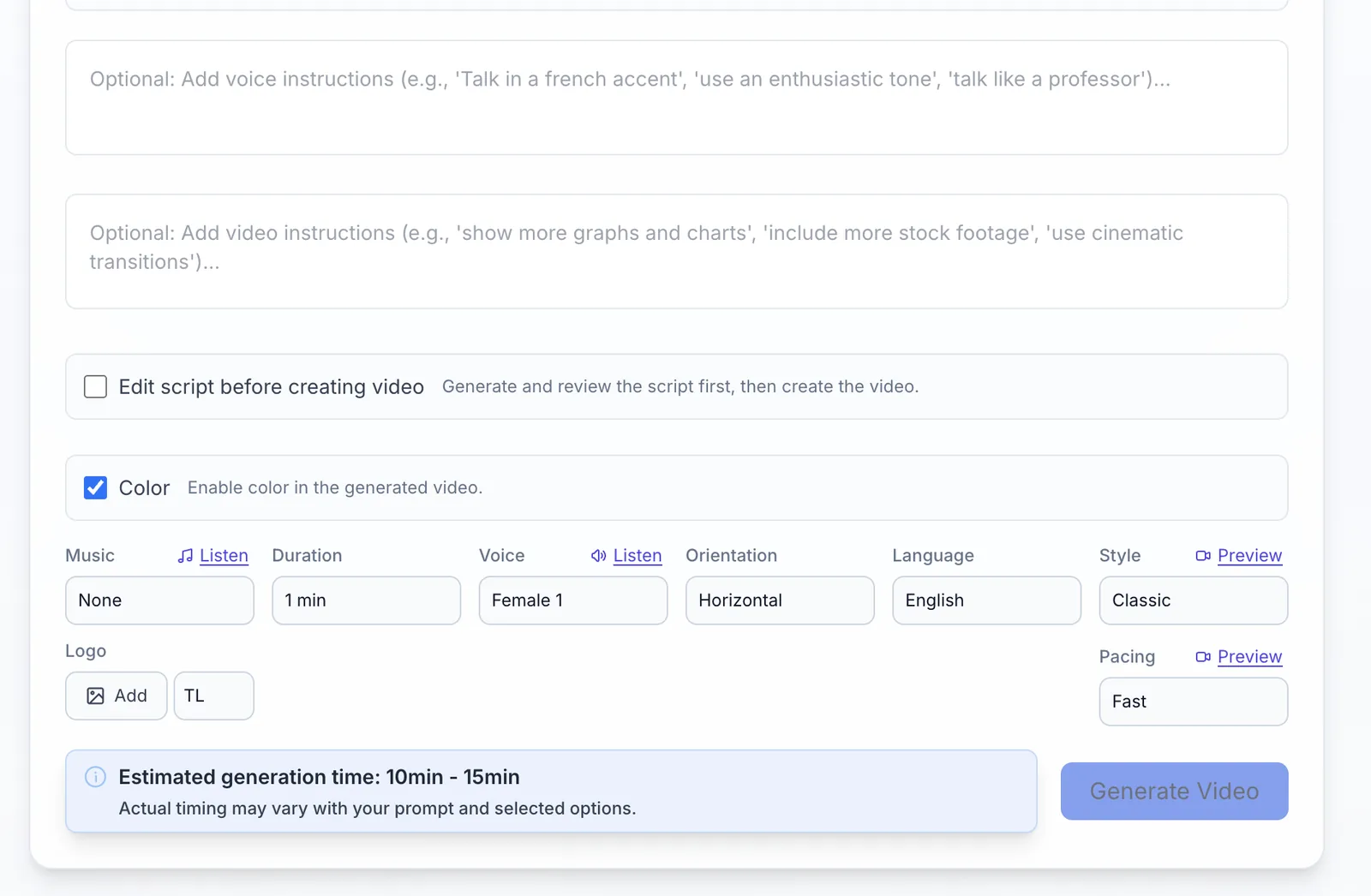
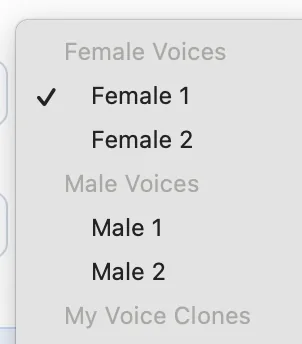
Use these real interface views to find the creation and review controls. Apply the decisions from this guide to your own brief, then review the resulting script and visuals before publishing.
Use visual variety with a purpose
A simplified diagram may improve mechanism comprehension, while a real interface can improve product credibility. State those hypotheses explicitly. A different background color alone may be a narrower design test and should be labeled accordingly.
Watch for visual claims
A scene showing instant completion, a crowded testimonial wall or an unrealistic before-and-after can add meaning beyond the voiceover. Review the total impression, not just whether the audio file matches the approved source.
One narration, two demonstrations
The same approved track explains owner assignment while one version uses cards and the other uses accurate interface assets.
Create two visual treatments for the same approved voiceover about assigning a request owner and viewing status. Treatment A uses a clear illustrated card flow; treatment B uses supplied accurate product screenshots. Preserve the exact master audio and align both treatments to its semantic cue points. Do not add unsupported automation, results or testimonials through imagery. Use the same offer and CTA, verify captions against the master transcript and label each export with its visual-treatment ID and audio version.
Before you publish
- Master audio locked
- Cues mapped
- Visual hypotheses distinct
- Meaning preserved
- Every export synchronized
Now, make it yours.
Start with a prompt, bring your script, or turn document text into a video.
You’ll review the setup in Golpo.
Sign-in and plan limits apply.
Your complete text is ready. It is too long to send reliably in a link. Copy it, open Golpo, and paste it into the prompt or script field.
Open GolpoCommon questions
Can I use the same narration for different audiences?
Only when the wording remains relevant and accurate for each. Otherwise audience adaptation may require a new script and audio version.
Does this isolate the visual effect perfectly?
It improves control over audio, but layout, pacing and delivery context still need careful consideration.
Sources & useful reading
Published November 24, 2026. Product features and platform policies can change; linked official documentation is the source for current availability. Examples are illustrative production briefs.