
Lock the revised narration first, mark its meaningful phrase boundaries, then align visual reveals and holds to those cues. Update captions from the new audio and check the complete export. Re-timing is a synchronization task; uniformly speeding up the old video rarely preserves the relationship between what viewers hear and see.
A replacement narrator may emphasize different words and pause in different places even when the script is unchanged. An offer card that previously appeared at the right moment can now arrive before its explanation. Work from the new audio's meaning, not only its total duration.
Step by step
Approve the replacement audio
Check pronunciation, complete wording and recording quality before adjusting visuals. Remove accidental silence and confirm the intended delivery. Re-timing against an unapproved voice track creates avoidable rework when the narration changes again.
Mark semantic cue points
Note where the problem, product mechanism, proof and CTA begin. Add exact time references for key words that trigger visual changes. A scene should align with the idea being spoken rather than an arbitrary equal division of the runtime.
Map old scenes to new cues
Create a small table with scene name, old start, new start and required duration. Identify scenes that need a longer hold or a shorter transition. Flag any visual explanation that cannot fit without simplifying its content.
Adjust with the available controls
Use Golpo's supported timing and audio workflow for the project, or an appropriate editor when the required control is outside it. Preserve the approved visual sequence where it still works. Do not assume a visual frame correction automatically re-aligns every later scene.
Rebuild captions and music timing
Generate or revise captions against the final voiceover. Check line breaks at phrase boundaries. Reposition music fades and avoid a swell that now masks a crucial offer term or the closing action.
Review at normal speed
Watch without pausing to judge comprehension, then inspect critical cue points individually. Check lip or presenter synchronization if applicable. Export a new version and confirm that the file, not just the editor preview, has the correct audio and timing.
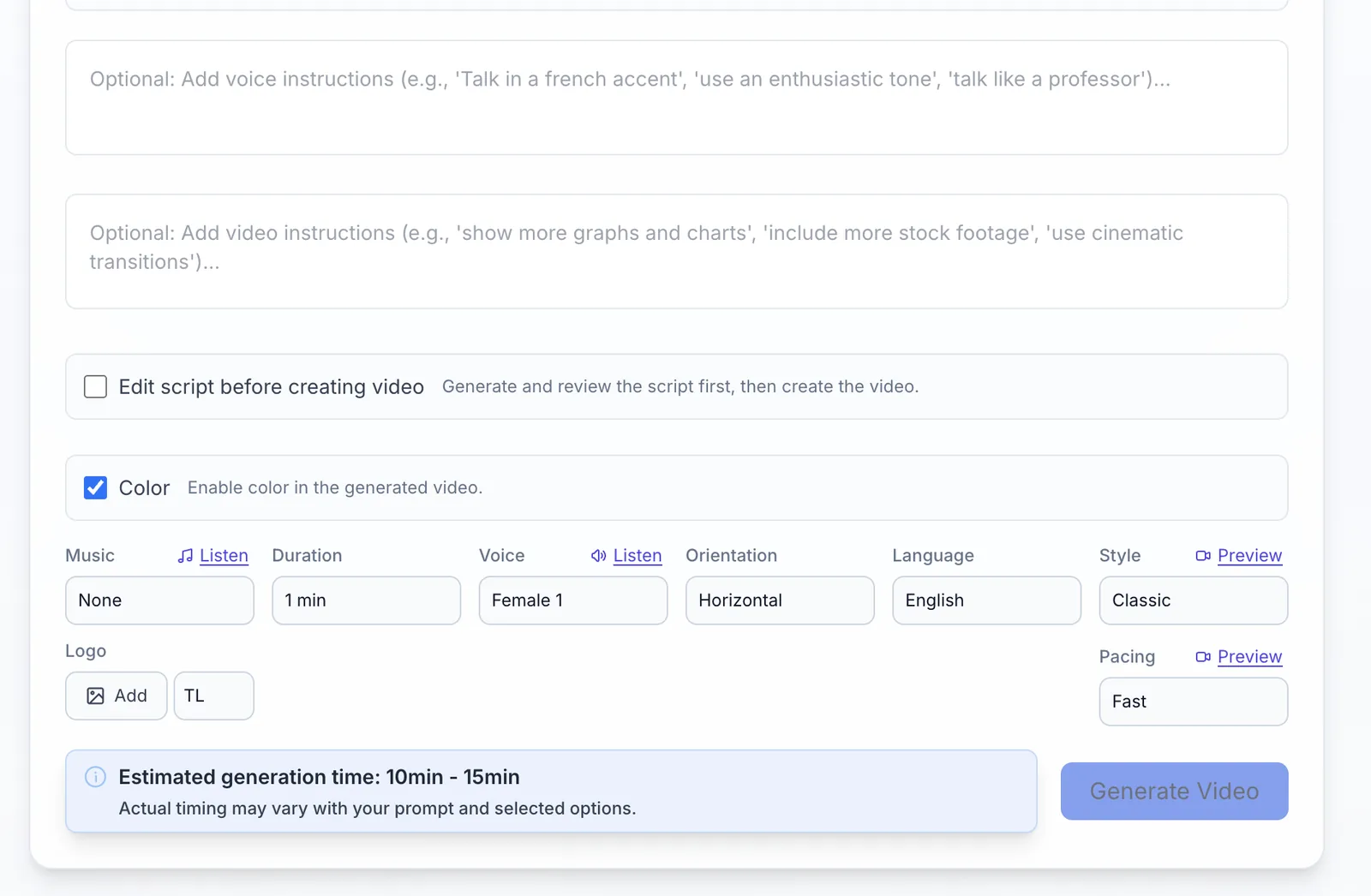
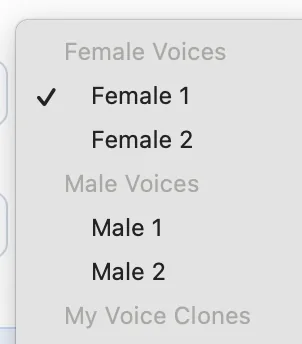
The workflow inside Golpo
Use these real interface views to find the creation and review controls. Apply the decisions from this guide to your own brief, then review the resulting script and visuals before publishing.
Use holds before forcing speech faster
A stable diagram or product frame can remain visible while the narration completes an idea. If the ad must meet a strict duration, remove nonessential content rather than compressing every sentence. Speed changes can make a technically complete ad harder to understand.
Keep the voice and layout versions linked
Record the narration filename with the scene timing sheet. A later editor should know which audio the visuals were aligned to. Translations need their own timing pass because meaning-equivalent sentences often have different lengths and emphasis.
A longer closing invitation
The new voiceover takes an extra beat to explain the next action. The end-card hold expands while the earlier demonstration remains unchanged.
Prepare a timing plan for an approved animated software ad with a replacement voiceover. Keep the existing scene order: problem, shared-view demonstration, benefit and CTA. Mark the actual start of each idea in the new audio and align the corresponding visual reveal. Extend stable holds where needed instead of uniformly stretching all motion. Update captions and the music fade to the final track. Flag any section that cannot fit the required duration without shortening the script. Do not claim that re-timing is complete until the exported video has been watched at normal speed.
Before you publish
- Final narration approved
- Cue points marked
- Scene timing mapped
- Captions rebuilt
- Export synchronized
Now, make it yours.
Start with a prompt, bring your script, or turn document text into a video.
You’ll review the setup in Golpo.
Sign-in and plan limits apply.
Your complete text is ready. It is too long to send reliably in a link. Copy it, open Golpo, and paste it into the prompt or script field.
Open GolpoCommon questions
Can I stretch the whole video to match?
That may change animation speed without aligning individual ideas. Use it only when the content still synchronizes and the resulting motion remains natural.
Should I edit audio or visuals first?
Approve the spoken content first, then align visuals. Reopen the script only when the required runtime cannot support clear delivery.
Sources & useful reading
Published November 24, 2026. Product features and platform policies can change; linked official documentation is the source for current availability. Examples are illustrative production briefs.