
Identify every place the line appears, replace the text in the source script, and update only the affected audio, captions and visual section where the tool permits. Match the new line to the available timing, then export a revised file. Keeping the approved structure avoids restarting the concept, but the changed deliverable still needs review.
Changing 'Book a demo' to 'See the product tour' looks like a tiny edit. It can alter the narration length, end card, clickable destination and viewer expectation. Treat the line as a connected piece of the ad rather than a single string of text.
Step by step
Find the line's dependencies
Search the script, captions, end card, landing page and platform ad copy. Record where the old wording appears. Confirm whether the change affects the offer or merely its phrasing; a new offer requires wider review.
Write a timing-aware replacement
Read the old and new lines aloud at the intended pace. Preserve meaning before trying to match syllables. If the replacement needs more time, identify a nearby hold or transition that can expand without rushing the preceding explanation.
Update the approved source script
Save a new script version and highlight the changed line. Keep all other wording stable unless a transition becomes ungrammatical. The source should remain the authority for future translations and variants, not an old document with a correction hidden in chat.
Apply the smallest supported production change
Use the available audio or scene controls in Golpo for the relevant section. If the current workflow cannot isolate the spoken change, generate a revised version from the corrected script. Do not imply that a visual text edit alone changes speech.
Synchronize captions and visual cues
Move the end-card reveal to the new spoken cue if necessary. Update captions from the actual final narration. Check that the onscreen button wording and the destination match the new request.
Review and release a new asset
Listen through the transition with headphones and watch it on a phone. Confirm the new file has the correct line and no clipped audio. Update the campaign asset reference and retain the old version for comparison.
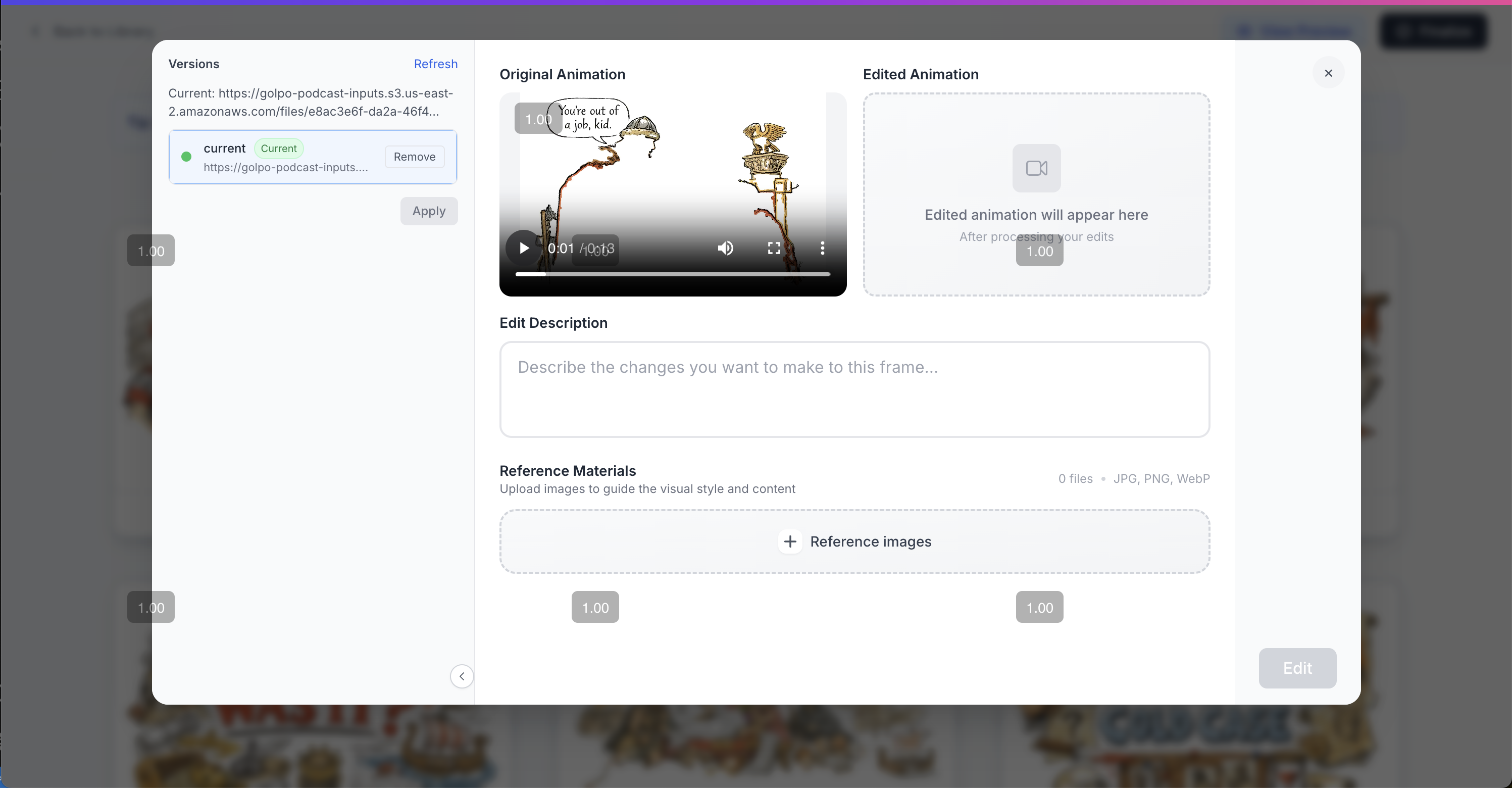
The workflow inside Golpo
Use these real interface views to find the creation and review controls. Apply the decisions from this guide to your own brief, then review the resulting script and visuals before publishing.

Avoid patching incompatible narration
A newly generated line may differ in voice, loudness or delivery from its neighbors. Compare the join in context. Regenerating a slightly longer narration segment can be more coherent than forcing a visibly awkward one-line replacement.
Measure the consequence of the change
A new call to action can attract a different kind of visitor. If you compare performance, label the version and destination clearly. A rise in clicks does not by itself show that the revised line produced more qualified actions.
Demo to product-tour revision
The new line asks for a different next step, so the end card and link are updated together. The product demonstration itself remains useful.
Create a revision plan for an approved software ad whose final narration changes from 'Book a demo' to 'See the product tour'. Keep the problem statement and product explanation intact. Identify the source-script line, narration segment, captions, end-card text and destination that must change. Read the replacement naturally and allow the final hold to expand if needed. Use the same approved voice direction. Do not add claims about tour length or free access unless supplied. End with a review checklist for audio continuity and a destination that matches the revised invitation.
Before you publish
- Dependencies listed
- Source script updated
- New line read aloud
- Captions synchronized
- Destination matches CTA
Now, make it yours.
Start with a prompt, bring your script, or turn document text into a video.
You’ll review the setup in Golpo.
Sign-in and plan limits apply.
Your complete text is ready. It is too long to send reliably in a link. Copy it, open Golpo, and paste it into the prompt or script field.
Open GolpoCommon questions
Will this always avoid regeneration?
It can avoid restarting the creative concept. Whether a new audio segment or broader render is needed depends on the tool and the edit.
Should I shorten the line to fit?
Only if meaning survives. An extra beat is preferable to unnatural delivery or an inaccurate offer.
Sources & useful reading
Published November 24, 2026. Product features and platform policies can change; linked official documentation is the source for current availability. Examples are illustrative production briefs.