
Map the ad's argument into scenes, pairing each spoken idea with a visual action, timing cue and source requirement. Start with rough frames and resolve the logic before polishing artwork. A storyboard should expose missing evidence and confusing transitions while changes are still inexpensive.
The storyboard is where a script becomes a sequence a viewer can follow. It is also where a vague claim can become an unintended visual promise. An arrow that instantly resolves every task may imply automation the product does not provide, even if the narration is careful.
Step by step
Write the argument as scene purposes
Define what each scene must accomplish: establish the problem, show the mechanism, support the claim and invite action. Avoid assigning scenes merely because the script has four paragraphs. Each frame needs a communication job.
Choose the focal object and layout
Sketch the main object and essential labels. For a request workflow, keep the same card across scenes so the change is easy to follow. Remove decorative objects that compete with the product action.
Pair narration with visible change
Place the relevant spoken line beside the frame. Specify when a label appears, an object moves or a comparison is revealed. Use meaningful cues rather than assuming every scene needs equal duration.
Attach evidence and constraints
Mark the source for claims, the approved product assets and any required conditions. Identify conceptual illustrations clearly. Note format-specific safe areas and whether the scene needs a different portrait composition.
Review the rough sequence
Read the narration while advancing through the sketches. Ask whether the viewer can identify what changed and why. Repair missing context, repeated ideas and misleading visual shorthand before generating the video in Golpo.
Turn the storyboard into a production brief
Include scene order, narration, visual directions, reference assets and acceptance checks. After generation, compare the actual export with the storyboard while allowing harmless artistic variation. Correct changes that affect meaning or accuracy.
The workflow inside Golpo
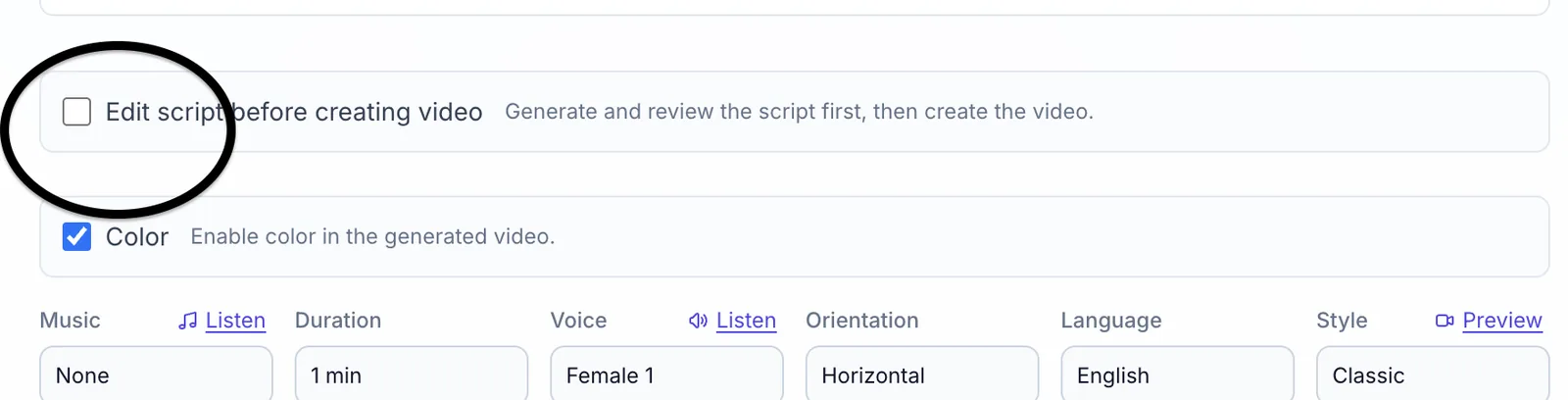
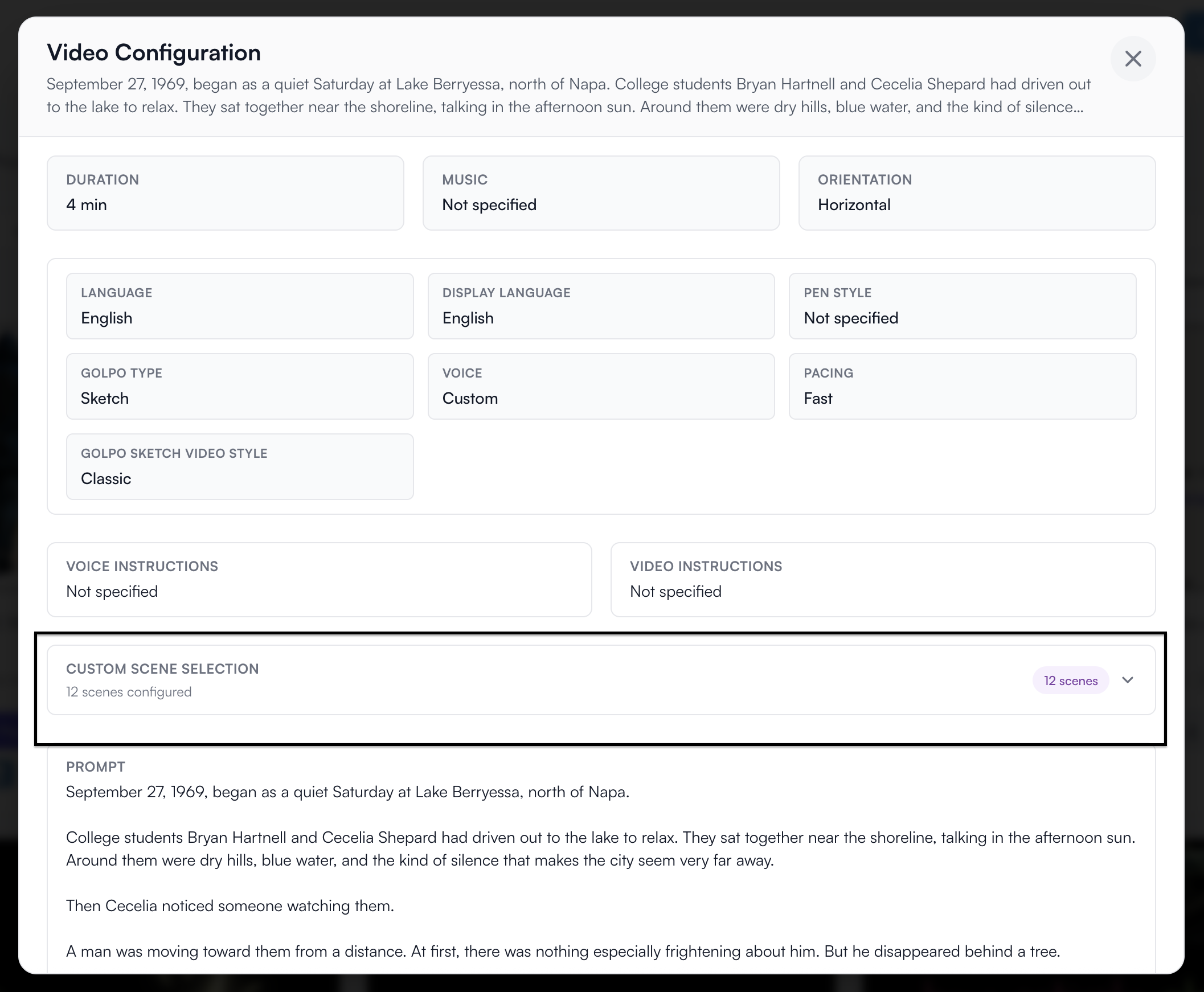
Use these real interface views to find the creation and review controls. Apply the decisions from this guide to your own brief, then review the resulting script and visuals before publishing.
Use roughness as an advantage
Simple boxes and arrows encourage reviewers to discuss the idea rather than debating illustration style too early. Once the sequence works, add brand treatment and detailed art direction. This order reduces the cost of discovering a structural problem late.
Keep a scene-level change log
When a reviewer changes a claim or CTA, identify which scenes and timing cues depend on it. A storyboard with named scenes makes targeted revision easier than a long unstructured prompt.
Four-scene approval ad
The same request card moves through unclear ownership, assigned reviewer, visible status and a tour invitation. Each scene changes one meaningful element.
Create a four-scene storyboard for a fictional approval-tracking ad. Scene one establishes a request with unclear responsibility. Scene two shows a user assigning a reviewer. Scene three shows status in a shared view. Scene four invites a product tour. Pair each scene with concise narration, a focal object, a transition cue and an accuracy check. Do not imply automatic approval or add unsupported integrations. Keep the same request card throughout and propose separate horizontal and vertical compositions where needed. Mark all claims and assets that require approval before production.
Before you publish
- Scene purposes clear
- Narration paired
- Continuity planned
- Evidence attached
- Rough review completed
Now, make it yours.
Start with a prompt, bring your script, or turn document text into a video.
You’ll review the setup in Golpo.
Sign-in and plan limits apply.
Your complete text is ready. It is too long to send reliably in a link. Copy it, open Golpo, and paste it into the prompt or script field.
Open GolpoCommon questions
Do I need drawing skills?
No. Rough boxes, labels and reference images can communicate the sequence. The important decisions are meaning, order and timing.
Should the final video match every sketch exactly?
Preserve the approved meaning, claims and hierarchy. Harmless visual variation is acceptable when it improves clarity and stays on brand.
Sources & useful reading
Published November 24, 2026. Product features and platform policies can change; linked official documentation is the source for current availability. Examples are illustrative production briefs.