
Verify the new offer in one approved source, identify every place the old terms appear, and update the video and landing experience together. Check currency, billing period, eligibility and deadline as carefully as the headline price. Release a clearly versioned asset only after the destination can honor the revised offer.
Changing '$29' to '$19' is not a complete offer update if the new price requires annual billing or applies only to a particular plan. Viewers need the material context. A fast price edit should simplify production, not remove the conditions that make the offer accurate.
Step by step
Create an approved offer record
Write the exact price, currency, billing basis, included product, eligibility and dates. Identify the person responsible for approving those terms. Use this record as the source for every variation rather than copying numbers from an old ad.
Find every old reference
Search scripts, visual frames, captions, thumbnails, ad copy and destination pages. Include spoken amounts and price comparisons. A final frame may be correct while an earlier narration still promises the previous offer.
Rewrite the claim with its context
State the new terms in language the viewer can understand. If a monthly equivalent is billed annually, do not present it as an unrestricted monthly purchase. Keep material conditions readable and near the offer they qualify.
Apply the production changes
Correct the relevant visual and audio sections using the available Golpo editing controls or a revised script workflow. Check whether changed narration affects timing. Avoid placing tiny conditions over a busy animated background.
Verify the destination and expiry behavior
Confirm that the landing page and checkout show the same offer. Schedule the intended end of the promotion through your campaign process and prepare the evergreen replacement. Do not rely on manually remembering every live variation later.
Perform a price-focused review
Read every visible and spoken amount aloud while comparing it with the offer record. Check currency symbols, decimals, billing terms and dates. Approve the actual final export and save its identifier with the offer version.
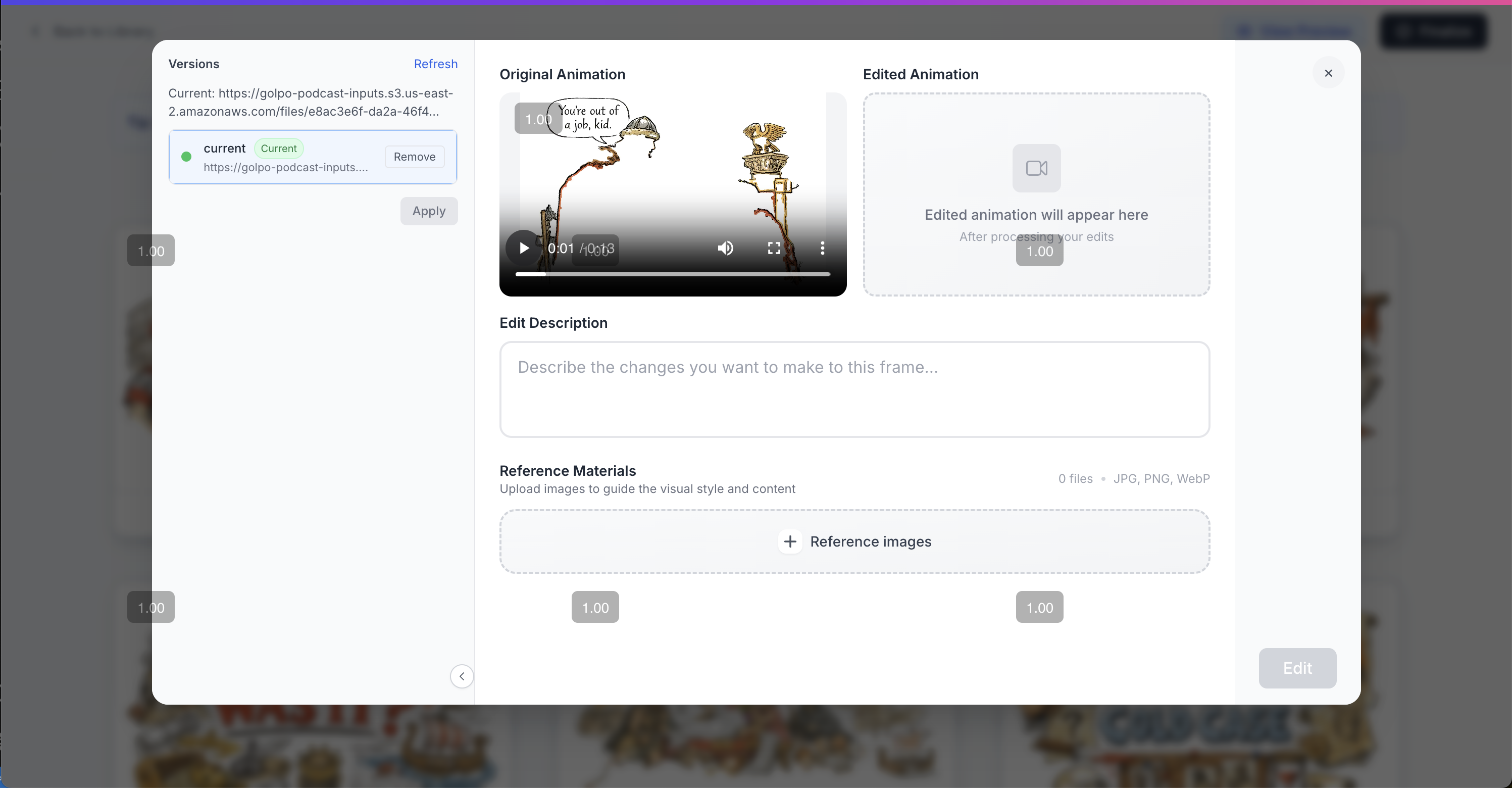
The workflow inside Golpo
Use these real interface views to find the creation and review controls. Apply the decisions from this guide to your own brief, then review the resulting script and visuals before publishing.

Treat offer changes as more than design
A new promotion can change who responds and what conversion means. Keep its performance separate from the previous offer unless the comparison explicitly accounts for the change. Otherwise a price reduction may be mistaken for a creative improvement.
Keep a rollback asset
Preserve a current evergreen ad with valid terms so a campaign can continue when a promotion expires or inventory changes. The rollback should have its own verified destination, not simply remove the discounted number while leaving the old spoken claim.
A revised annual-plan promotion
The illustrative offer is a planning example. The advertiser must supply and approve actual prices and billing conditions before generation.
Create a revision checklist and ending scene for an existing software ad using the approved offer record I provide. Replace every old price and billing reference in narration, visuals and captions. Display the new currency, billing period and material eligibility terms clearly. If the headline price is a monthly equivalent billed annually, state that basis rather than implying monthly billing. Preserve the product explanation and avoid inventing a discount percentage or deadline. Include a final review comparing the exported ad with the landing page and checkout, plus an evergreen replacement for the promotion's end.
Before you publish
- Offer record approved
- All price occurrences found
- Billing context clear
- Checkout matches
- Expiry replacement ready
Now, make it yours.
Start with a prompt, bring your script, or turn document text into a video.
You’ll review the setup in Golpo.
Sign-in and plan limits apply.
Your complete text is ready. It is too long to send reliably in a link. Copy it, open Golpo, and paste it into the prompt or script field.
Open GolpoCommon questions
Can I leave the old price struck through?
Only when the comparison is accurate and appropriate for the market and offer. Do not invent a reference price to make a discount appear larger.
Do captions need an update?
Yes when they contain the price or terms. Spoken, visible and captioned claims should agree.
Sources & useful reading
Published November 24, 2026. Product features and platform policies can change; linked official documentation is the source for current availability. Examples are illustrative production briefs.