
Add voiceover to animation by mapping narration to existing scenes, checking timing and revising whichever element makes the explanation clearer.
Adding narration after animation is different from animating around a finished script. Your pictures already have a rhythm. The new voice track needs to fit that rhythm without rushing important information or describing things before they appear. Begin with a scene inventory rather than writing one long paragraph and forcing it over the top.
Step by step
Map the existing animation
List the start, visual event and end of every scene. Note which scenes can be extended and which contain fixed actions. Identify moments that already explain themselves so the narrator does not redundantly describe every movement.
Write to the visual purpose
Give each scene a spoken line that explains what the image cannot show alone. A moving arrow may show direction; the narration can explain why that direction matters. Avoid naming every visible object unless the audience needs those names.
Record or synthesize a rough pass
Use the intended voice early. Natural delivery varies, so a word-count estimate is not enough. Save clean narration without background music while you are still solving timing problems.
Align the important moments
Match references such as this change or the second option to the relevant image. If a line needs more time, shorten the wording, extend a held frame or revise the scene. Do not automatically speed up the entire recording to fix one crowded section.
Mix and export a review copy
Balance music and effects around speech, check captions and inspect the opening and ending for clipped audio. If using a new Golpo generation with your finished audio, check Own Narration requirements; it should not be assumed to import and edit any existing animation file.
The workflow inside Golpo
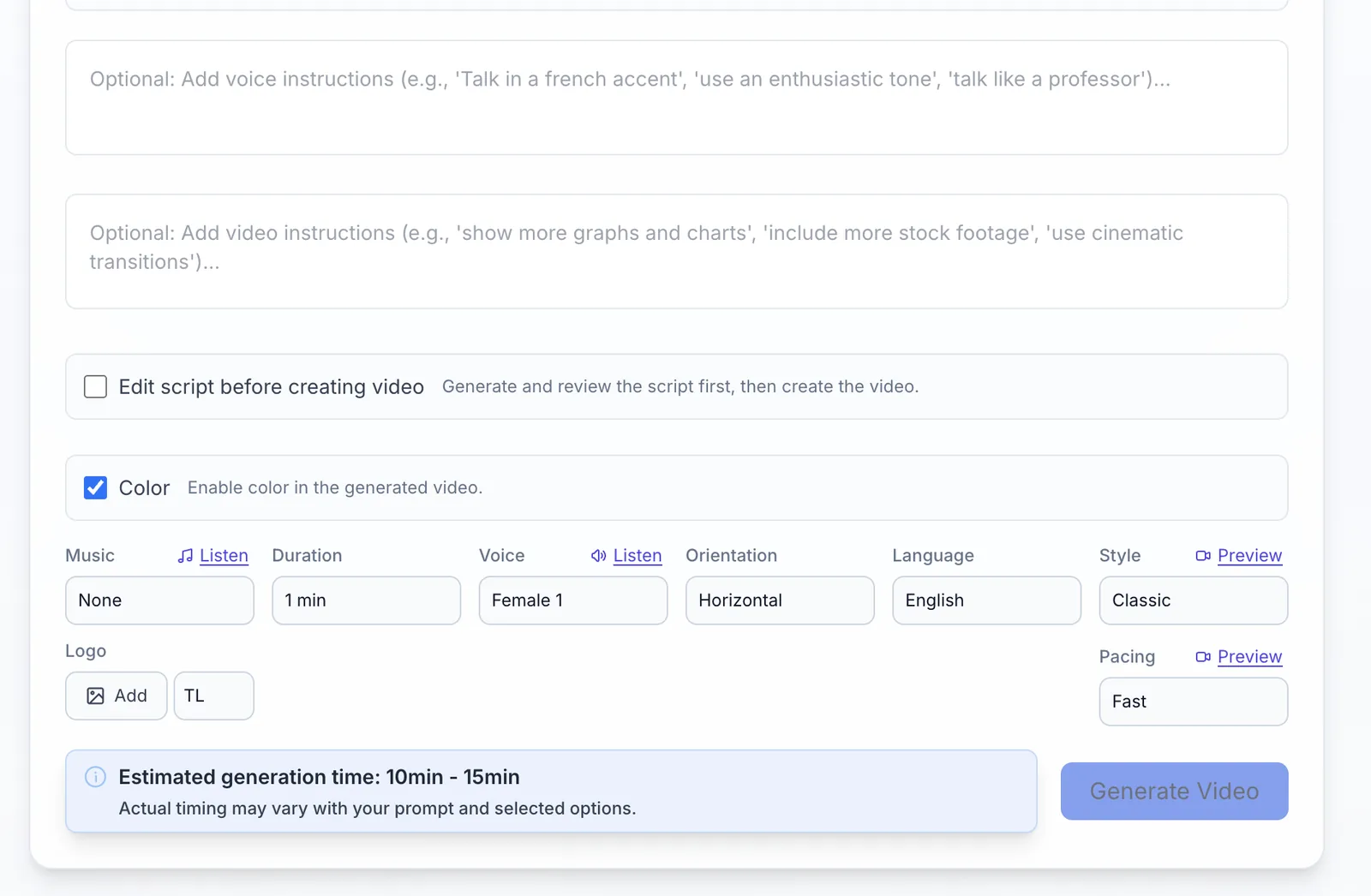
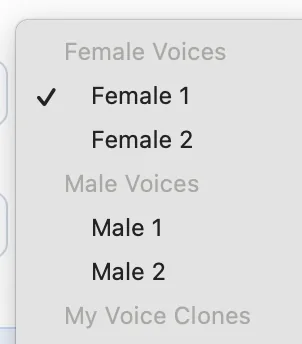
Use these real interface views to find the creation and review controls. Apply the decisions from this guide to your own brief, then review the resulting script and visuals before publishing.
Choose which element should lead
Keep the animation fixed when it documents a real interface sequence that must remain accurate. Let narration lead when the visuals are illustrative and can be retimed easily. Agree on this rule before review so collaborators know what they are allowed to change.
Keep a clean project package
Preserve the original animation, narration script, dry voice file and music licence. Name review versions clearly. If someone changes one sentence later, the project should reveal which scene and caption also need updating.
Adding narration to a recycling explainer
An existing animation shows three fictional containers and several example items. The original sequence changes containers too quickly for the new explanation. The editor extends each final container view, shortens the introduction and adds a visible reminder that local recycling rules must be checked. The voice clarifies the process without inventing universal disposal instructions.
Write a voiceover plan for an existing 60-second animation about checking local recycling instructions. There are four scenes: inspect an item, read local guidance, choose the correct destination and verify the result. Provide short narration matched to each scene and identify places needing a visual hold. Do not state universal recycling rules.
Before you publish
- Inventory scene timing
- Write only useful narration
- Keep a clean voice track
- Align references to visuals
- Check captions after edits
Now, make it yours.
Start with a prompt, bring your script, or turn document text into a video.
You’ll review the setup in Golpo.
Sign-in and plan limits apply.
Your complete text is ready. It is too long to send reliably in a link. Copy it, open Golpo, and paste it into the prompt or script field.
Open GolpoCommon questions
Can I fit any script into an existing video?
Not without tradeoffs. If the script adds substantial new information, extend or restructure the video rather than compressing all the speech.
Should I add music before synchronizing the voice?
Keep it temporary while solving timing. A polished soundtrack can make it harder to notice an unclear explanation or awkward pause.
Sources & useful reading
Published November 24, 2026. Product features and platform policies can change; linked official documentation is the source for current availability. Examples are illustrative production briefs.