
Pace an animated voiceover around changes in understanding, giving viewers time to hear the explanation and inspect the relevant drawing.
Words per minute is only a rough planning measure. A familiar statement can move quickly; a new diagram may need a pause even when its narration is short. The useful question is whether the audience has time to connect the spoken idea to what appears on screen. Plan pauses as part of the explanation.
Step by step
Mark the thinking moments
Highlight definitions, comparisons, calculations and transitions in the script. These are points where a viewer may need more time. Separate them from connective sentences that simply move the story forward.
Create a rough spoken pass
Generate or record a temporary narration before polishing the animation. Listen for stacked clauses and consecutive unfamiliar terms. Rewrite dense passages instead of relying only on a slower speed setting, which can make awkward writing sound unusually drawn out.
Give each scene an information budget
Identify what the viewer must notice: a label, an arrow, a change in position or a final result. Avoid asking them to read several labels while hearing unrelated facts. Split a crowded scene into two meaningful stages.
Place pauses at visual milestones
Leave a beat after the question, after the critical part of a diagram appears and before the conclusion changes direction. Use pauses to support thought rather than inserting the same delay after every sentence.
Test and revise one segment
Show the rough sequence to someone unfamiliar with the topic. Ask where they lost the thread. If the problem is a busy drawing, simplify it; if the problem is unfamiliar vocabulary, add an example. Faster or slower speech alone may not address the cause.
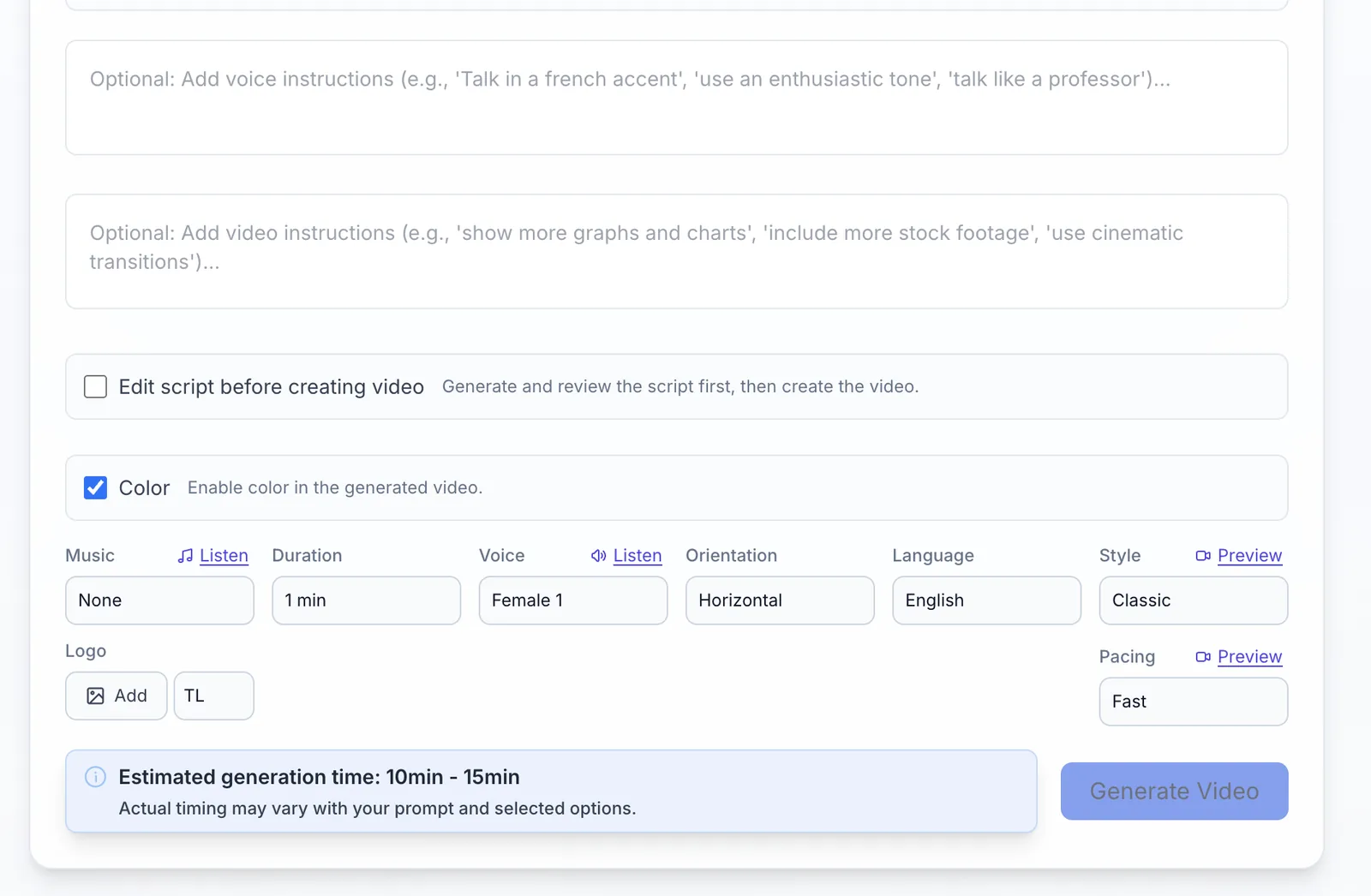
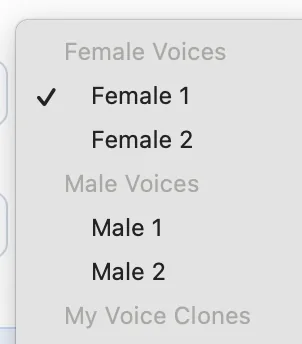
The workflow inside Golpo
Use these real interface views to find the creation and review controls. Apply the decisions from this guide to your own brief, then review the resulting script and visuals before publishing.
Use a timing sheet
Record each scene’s narration, visual event and approximate duration. Mark the moment at which the key object must be visible. This turns vague feedback such as too fast into a specific instruction: hold the comparison until both labels have been read.
Leave room for the result
Creators often spend most of a scene building a diagram and cut away as soon as it is complete. Reserve viewing time for the finished relationship. The audience should be able to see the answer, not merely watch its components arrive.
Pacing a water-cycle explanation
A draft names evaporation, condensation and precipitation while all three arrows appear at once. The revision introduces one movement at a time, pauses on the complete cycle and ends with a single recap sentence. The explanation becomes easier to follow without adding a long introduction or an arbitrary slow-motion effect.
Create a pacing plan for a 75-second animated explanation of the water cycle for general learners. Divide the script into evaporation, condensation, precipitation and a final complete-cycle view. For each section list narration, visual event and where the viewer needs a pause. Use plain language and flag scientific claims for verification before publication.
Before you publish
- Mark new concepts
- Separate competing visual tasks
- Time a rough narration
- Hold the completed diagram
- Revise from specific viewer feedback
Now, make it yours.
Start with a prompt, bring your script, or turn document text into a video.
You’ll review the setup in Golpo.
Sign-in and plan limits apply.
Your complete text is ready. It is too long to send reliably in a link. Copy it, open Golpo, and paste it into the prompt or script field.
Open GolpoCommon questions
What is the best speaking speed?
There is no single speed for every topic and audience. Use a sample with your actual vocabulary and visuals, then test comprehension.
Should every scene be the same length?
No. A simple transition and a detailed comparison need different amounts of time. Consistent visual language matters more than identical scene durations.
Sources & useful reading
Published November 24, 2026. Product features and platform policies can change; linked official documentation is the source for current availability. Examples are illustrative production briefs.