
Make narrated podcast videos by planning an audio-complete episode and adding visuals that clarify its structure, evidence and important moments.
A podcast audience may listen without watching, while a video audience expects the screen to contribute something useful. Design for both. The spoken episode should stand on its own, and the visuals should help a viewer follow the topic rather than merely fill space. A static cover can be a starting point, but it is not a substitute for a thoughtful video adaptation.
Step by step
Define the episode format
Choose a solo explanation, a scripted conversation or an edited interview. Write the listener’s central question and the conclusion the episode should reach. Distinguish a fictional or synthetic conversation from a real recorded interview in the presentation.
Produce an audio-complete script
Explain references that would otherwise require watching the screen. Replace phrases such as this chart proves it with a spoken description of the relevant finding. Keep source notes for factual claims and preserve uncertainty when the evidence is limited.
Approve the voice and audio
Audition the narration across a longer passage, not just the opening. Check consistent energy, names and transitions. If using multiple speakers, maintain clear roles and an intelligible conversation before building the video sequence.
Add purposeful visual chapters
Use diagrams for mechanisms, source excerpts for evidence and restrained chapter cards for transitions. Keep exact charts and quoted text accurate. Golpo can help illustrate an approved explanation, while any imported audio workflow depends on the available account features.
Review both listening modes
Listen away from the screen, then watch the final video. Check captions, chapter timing, source attribution and the episode description. Publish through the channel’s actual supported workflow rather than assuming a video creation tool automatically distributes the podcast everywhere.
The workflow inside Golpo
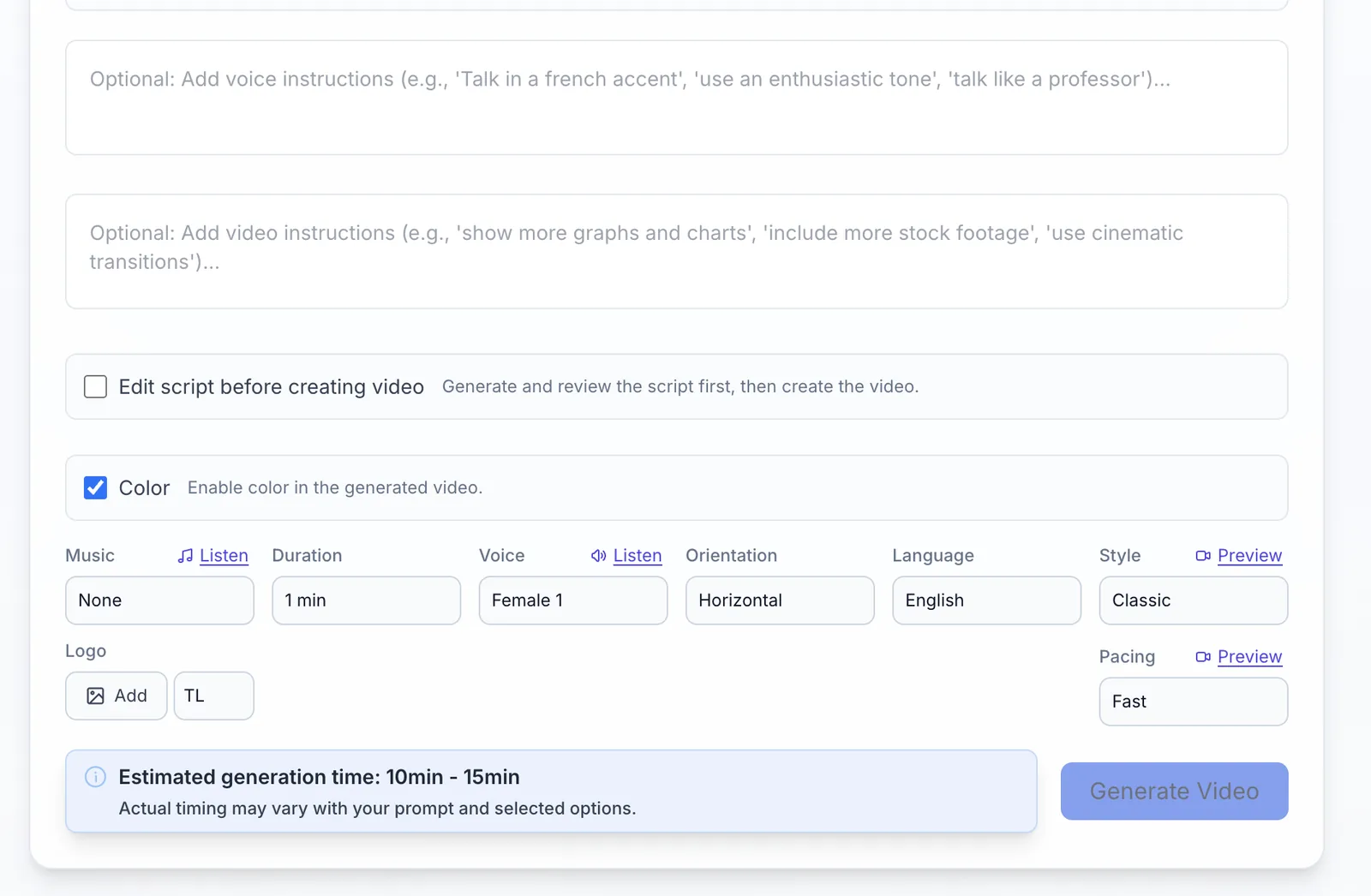
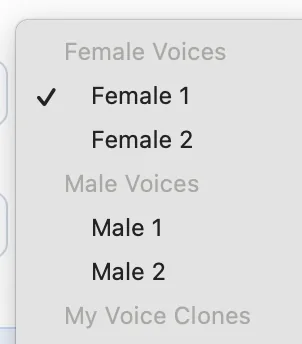
Use these real interface views to find the creation and review controls. Apply the decisions from this guide to your own brief, then review the resulting script and visuals before publishing.
Build a recurring visual language
Give definitions, examples and conclusions recognisable treatments. This makes long episodes easier to follow without requiring constant visual novelty. Keep a small reusable set of layouts, but make each episode’s explanation and evidence genuinely specific to its subject.
Measure the adaptation honestly
Compare audience response to comparable episodes and read feedback for comprehension problems. A single retention drop does not prove that the voice or graphic caused it. Use the data to choose a focused revision hypothesis, then observe another episode.
A podcast episode about urban trees
A narrator explains a fictional neighbourhood’s tree-planting decision. Audio listeners hear the costs, choices and uncertainties in plain language. Video viewers see a simple map, a timeline and a comparison of the proposed options. The creator labels the scenario as illustrative and keeps any real environmental claims tied to checked sources.
Plan an eight-minute narrated podcast video about a fictional neighbourhood deciding where to plant trees. Make the audio understandable without visuals. Provide an opening question, four chapters, a balanced conclusion and a separate visual plan. Mark factual environmental claims for source review, and clearly label invented characters and scenario details as illustrative.
Before you publish
- Make the audio stand alone
- Clarify real versus scripted speakers
- Use visuals for explanation
- Check long-form voice consistency
- Review the actual publishing workflow
Now, make it yours.
Start with a prompt, bring your script, or turn document text into a video.
You’ll review the setup in Golpo.
Sign-in and plan limits apply.
Your complete text is ready. It is too long to send reliably in a link. Copy it, open Golpo, and paste it into the prompt or script field.
Open GolpoCommon questions
Can I turn an audio episode into a video automatically?
Tools can help with illustration and captions, but review whether the visuals accurately represent the episode and whether the input workflow supports your recording.
Do I need to show faces?
No. Original diagrams, relevant evidence and a coherent visual structure can support a narrated episode without on-camera presenters.
Sources & useful reading
- Golpo creation and editing tutorial
- YouTube audience retention report
- YouTube channel monetization policies
Published November 24, 2026. Product features and platform policies can change; linked official documentation is the source for current availability. Examples are illustrative production briefs.